01
Start with the room
Give every wall, opening, cabinet, and appliance a place.
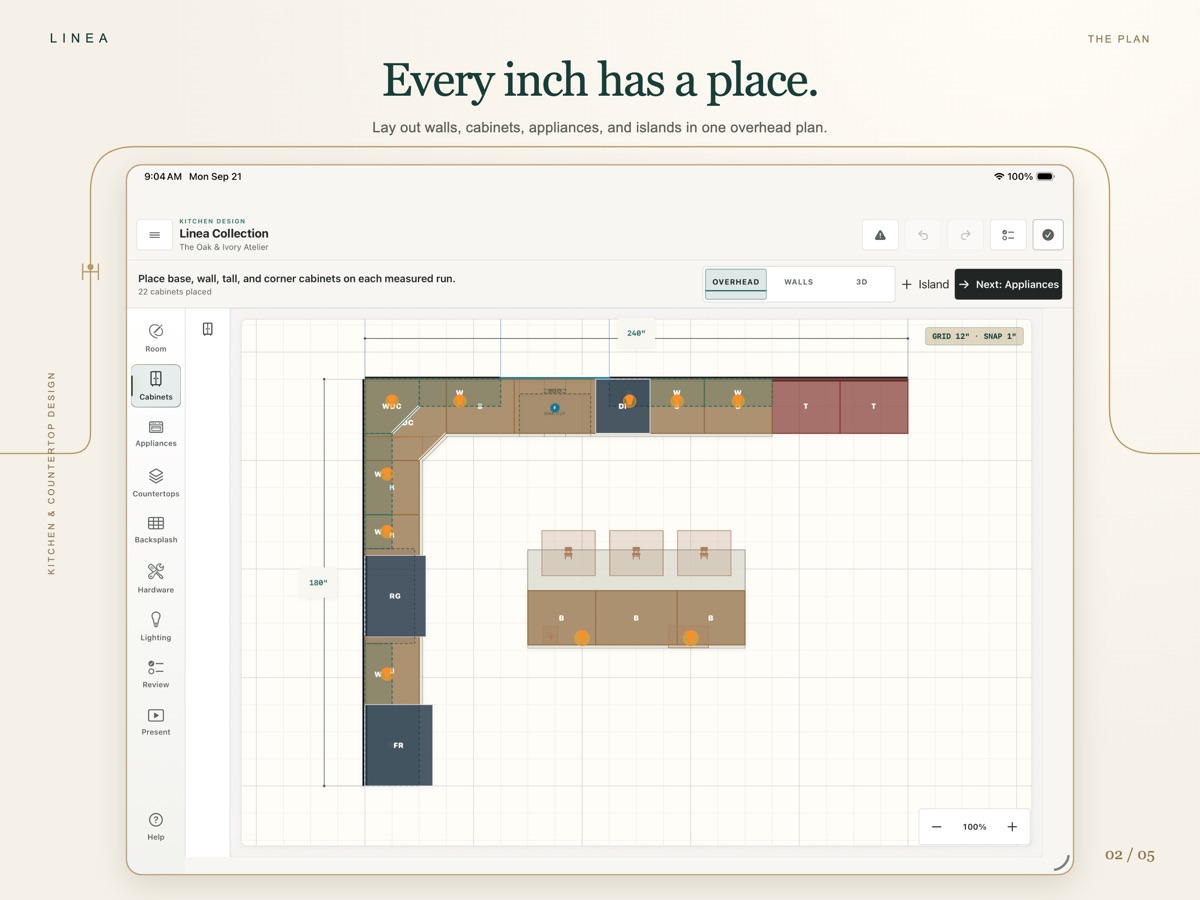
Build a measured plan that looks like the room in front of you. Add the parts that matter without turning the appointment into a lesson in desktop CAD.
The Linea workspace
Linea keeps the measured room, layout, finishes, 3D view, and customer presentation in one clear iPad workspace.
Free countertop tools · Kitchen Design requires Pro · iPad + iPhone
01
Start with the room
Build a measured plan that looks like the room in front of you. Add the parts that matter without turning the appointment into a lesson in desktop CAD.
02
See every wall
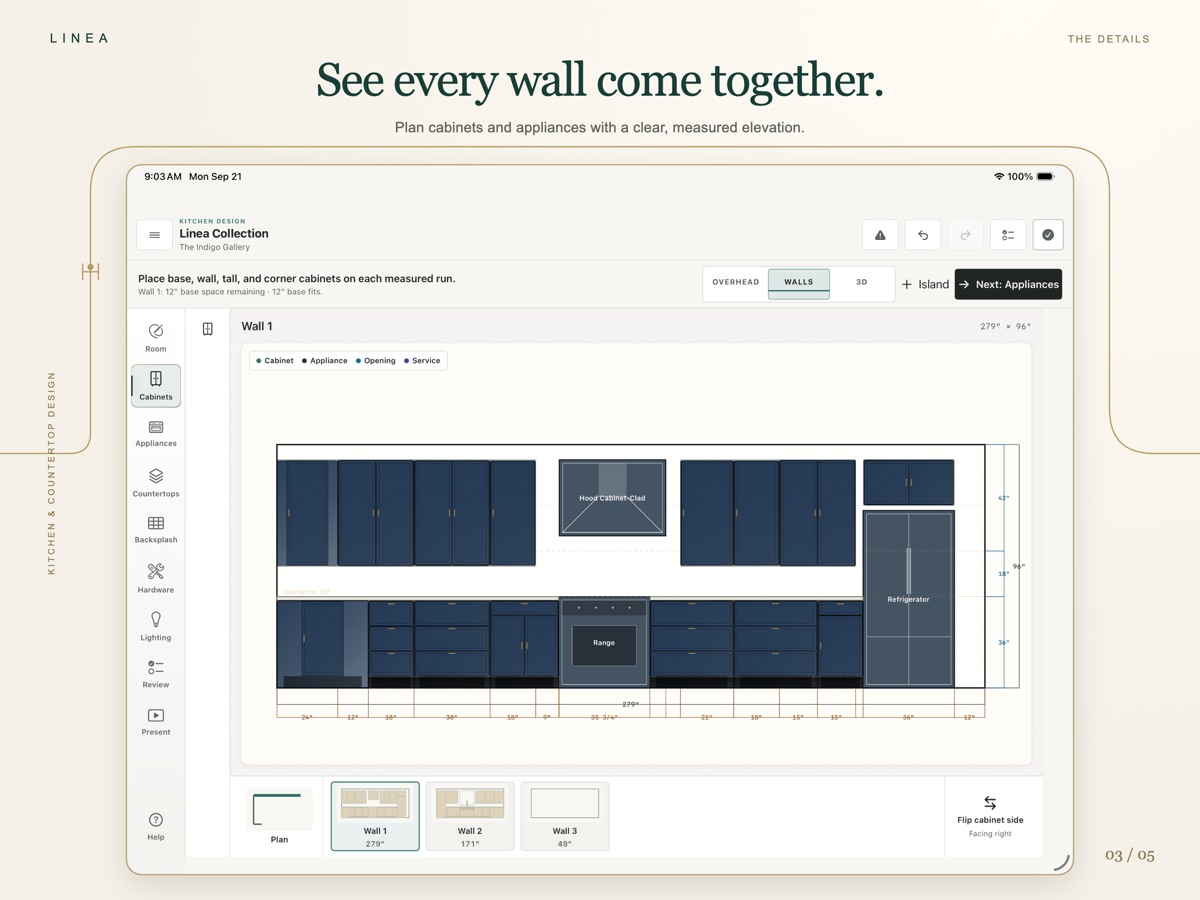
Review cabinet runs, appliances, openings, and dimensions from the angle your customer needs to understand.
03
Make it understandable
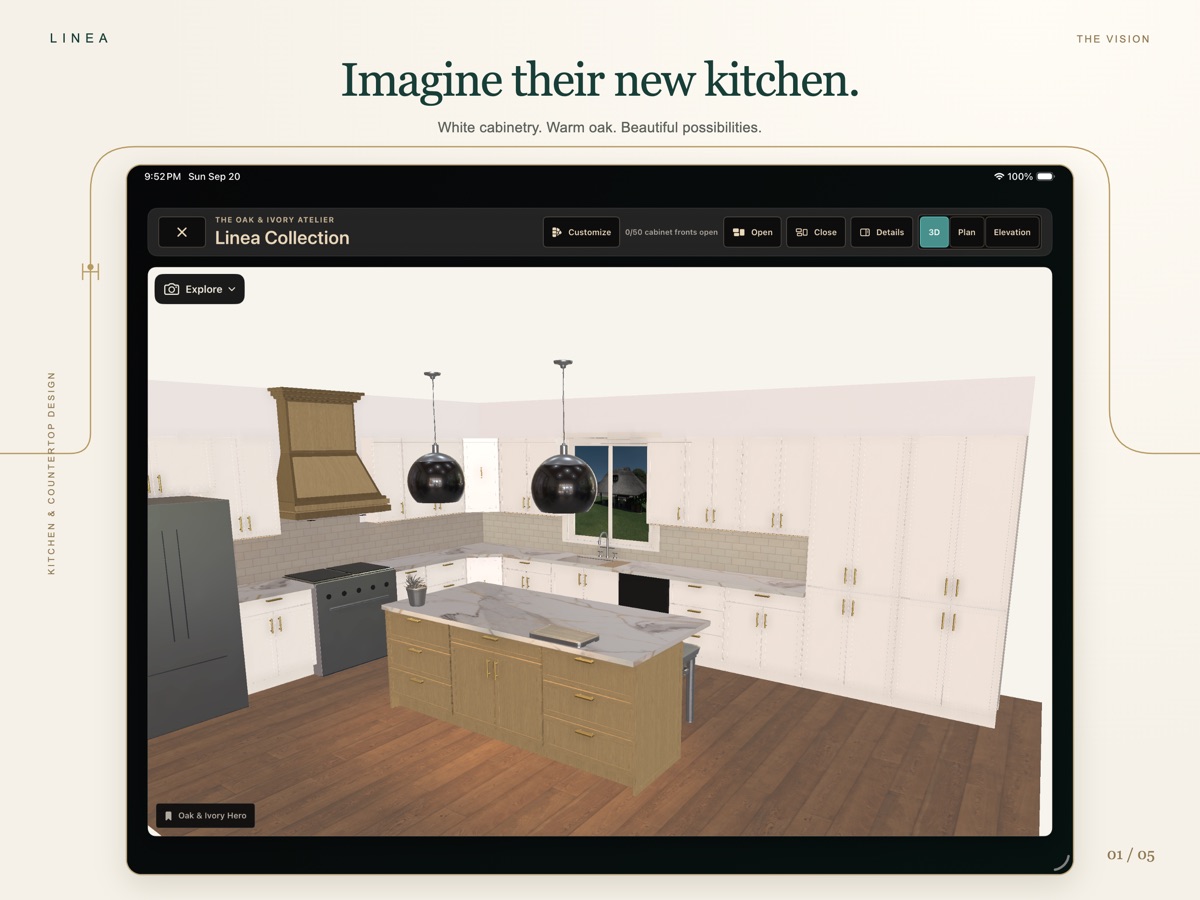
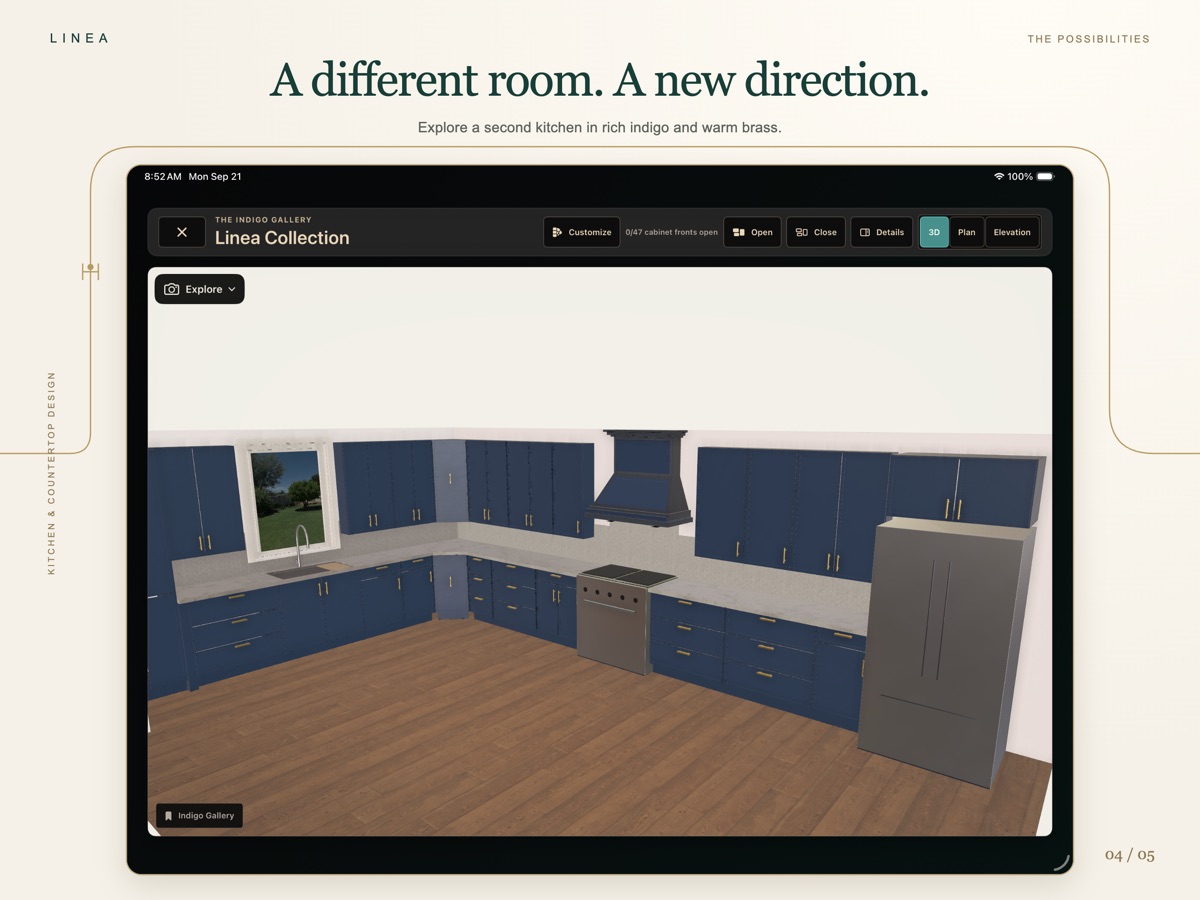
Move into a native 3D view, explore the kitchen together, and keep the design conversation attached to the measured plan.
04
Explore the direction
Try another cabinet or surface direction while the customer is engaged. The room stays recognizable as the choices change.
05
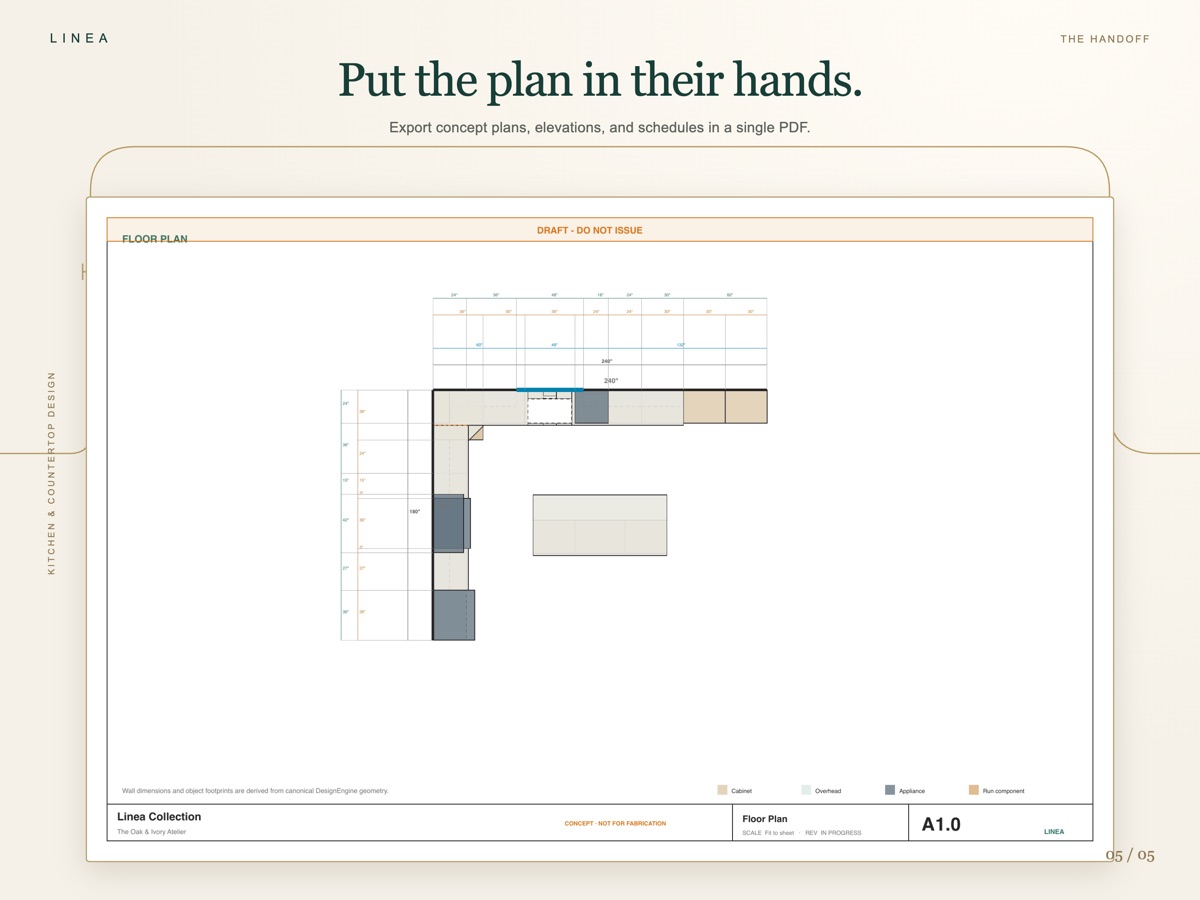
Put the plan in their hands
Linea Pro can export a project PDF so the plan, key dimensions, and next decision do not disappear when the appointment ends.
Free and Pro
No hidden feature maze. Both monthly and annual Pro include the same tools; the App Store shows the current price before you purchase.
Linea Free
Linea Pro
Existing kitchens remain viewable if Pro ends. Imported materials remain available.
Built around the way you work
iPad · The main workspace
Use the free countertop tools, or add Pro to build the full kitchen with walls, openings, cabinets, appliances, finishes, plan views, elevations, and 3D presentation.
iPhone · The companion
Use the measured countertop template and compact editing on iPhone. With Pro, privately deliver supported project copies through your iCloud account and keep the customer conversation moving.
Eligible Pro users can privately deliver project copies through their own iCloud account. Exported copies can also be moved with Files or AirDrop. See project transfer guidance.
Designed for the sales process
Linea helps kitchen and countertop professionals measure, design, visualize, present, and document the project.
Final measurements, engineering, manufacturer requirements, ordering, fabrication, and installation remain the professional’s responsibility.
Built for kitchen professionals
Download the free countertop tools today. Add Pro when you are ready to build and present the full room.
Download Linea for free